With more than 10 years of technical writing experience, I’ve created user manuals and documents for manufacturing and software companies. In my previous role, I maintained over 30 manuals, templates, as well as style guides for two different teams.
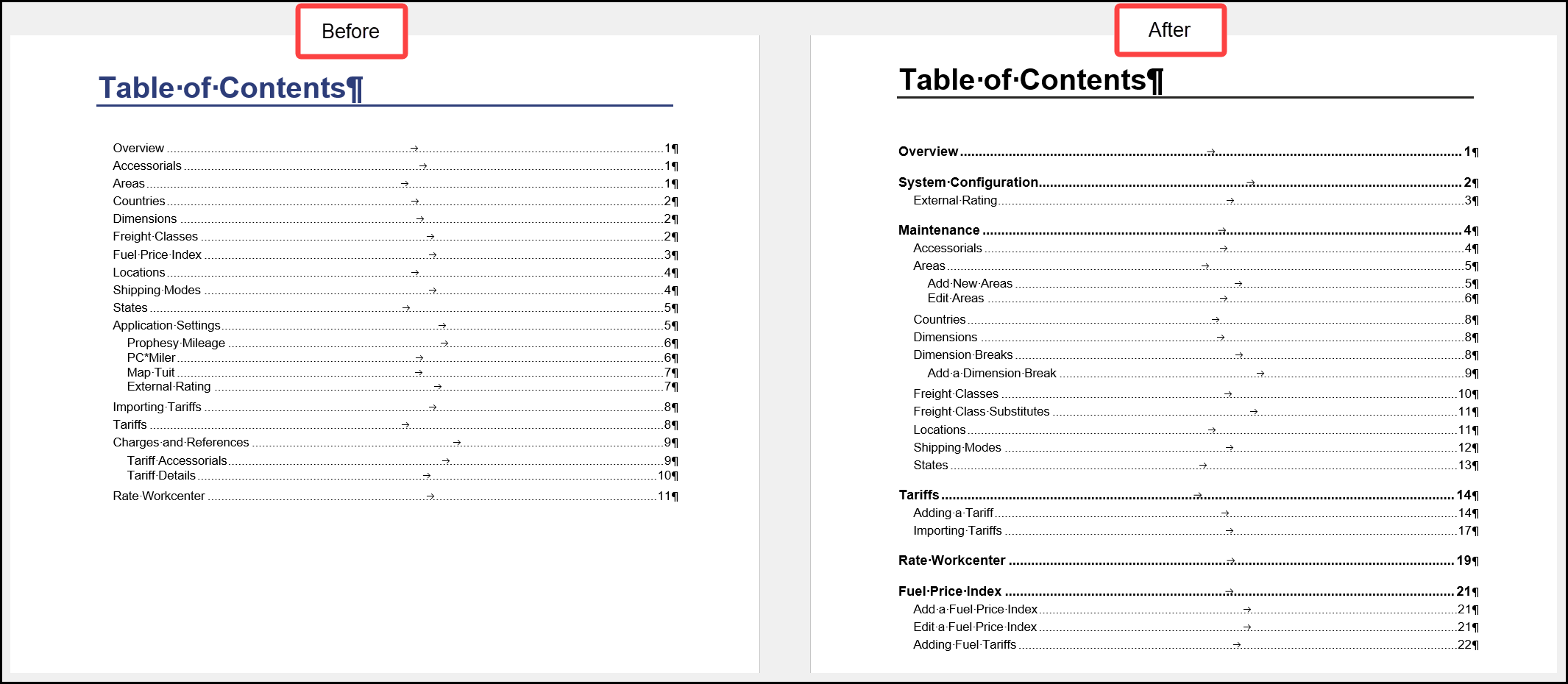
Most recently, I used Microsoft Word and Adobe Acrobat Pro for document creation, and used Adobe RoboHelp to create online help projects.
The documentation I worked with was initially done as an afterthought. It was poorly organized, confusing, and in some cases, not remotely useful. I often reorganized documents to ensure a more logical and user-friendly experience.
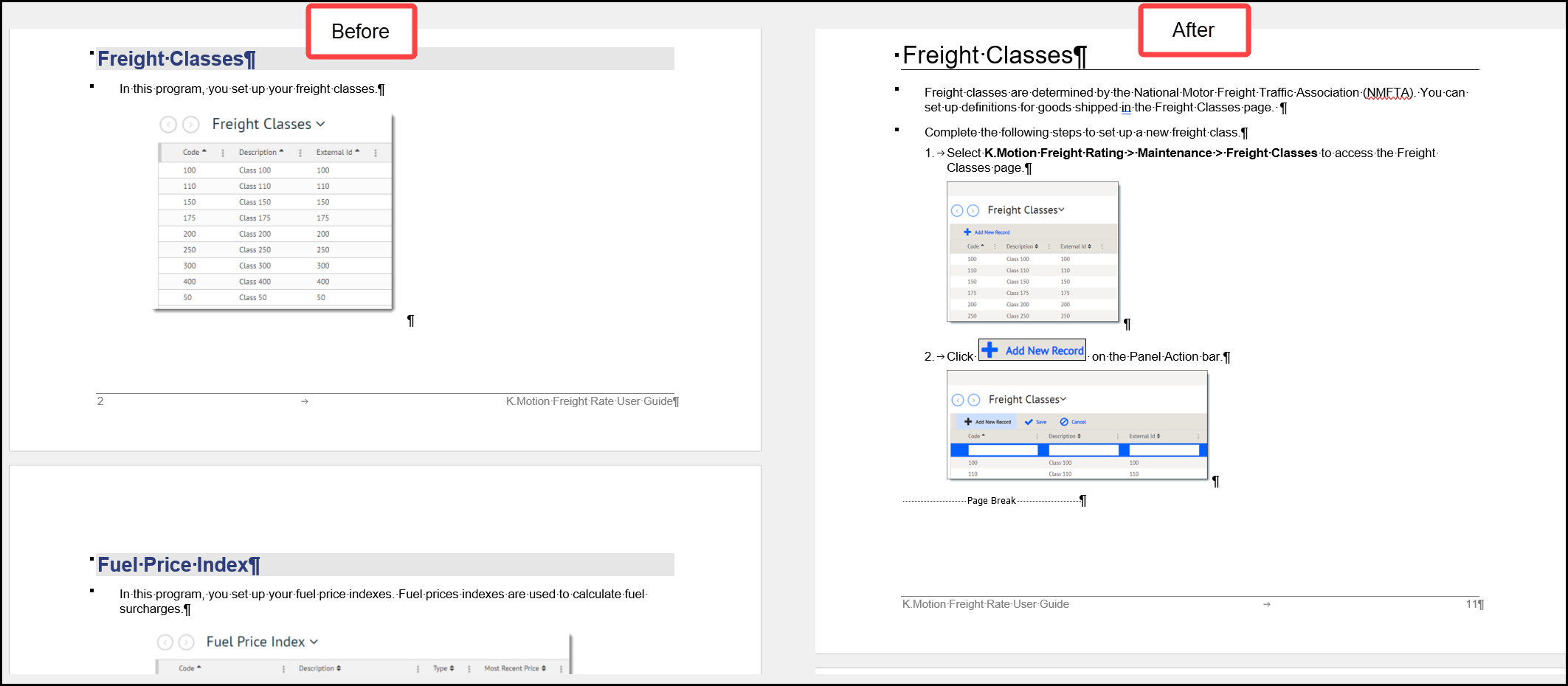
Giving directions without explaining why can be as frustrating as receiving unwanted advice. When working with my subject matter experts, I always asked why this topic is important to the user, why should they care.
In this sample, the before image has a single, unhelpful sentence under the header. The after image tells the user the importance of the topic and gives steps on creating a new record.
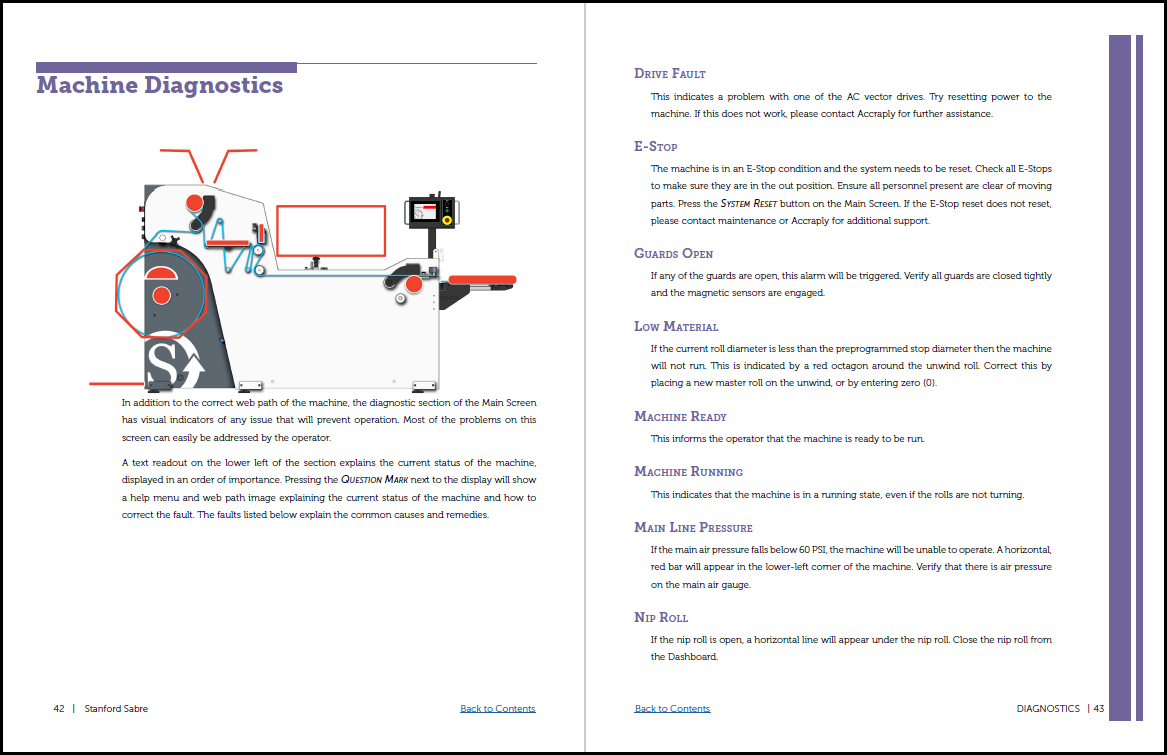
I’m also familiar with Adobe InDesign for document creation. Though a bit tedious, it was a fun, creative, and educational experience for me. It allowed for easier navigation within the PDF file than Microsoft Word. The user could return to the table of contents from any page.
Full samples are available upon request.
Need more examples? You can view two PDF excerpts from the main types of documents I worked on recently:

 Lisa Ghylin